
How to Intecept a jquery.ajax call with confirm ()
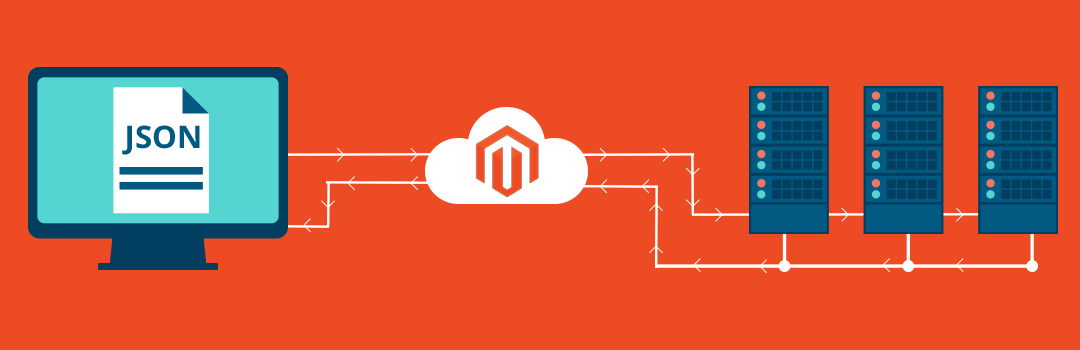
Ajax is a set of web development techniques using many web technologies on the client side to create asynchronous web applications. With Ajax, web applications can send and retrieve data from a server asynchronously without interfering with the display and behavior of the existing page.
Below code helps you to give the condition, before running the ajax code. This is widely used to prevent the existing content to not get deleted.
$('.removeItem').click(function (event){ if (confirm('Are you sure you want to delete this?')){ $.ajax({ url: 'myUrl', type: "POST", data:{ // data stuff here }, success: function (){ // does some stuff here... } }); } });
You can use the above code for all types of deleting options. If you would like to create a post based system including the delete button, learn how to intercept a jquery.ajax call with confirm()
I've actually implemented this on my website.
Thanks for sharing this tip.
Very useful thanks for sharing this..
Great stuff thank you