

Become WebyPost Android App testers with Early Access
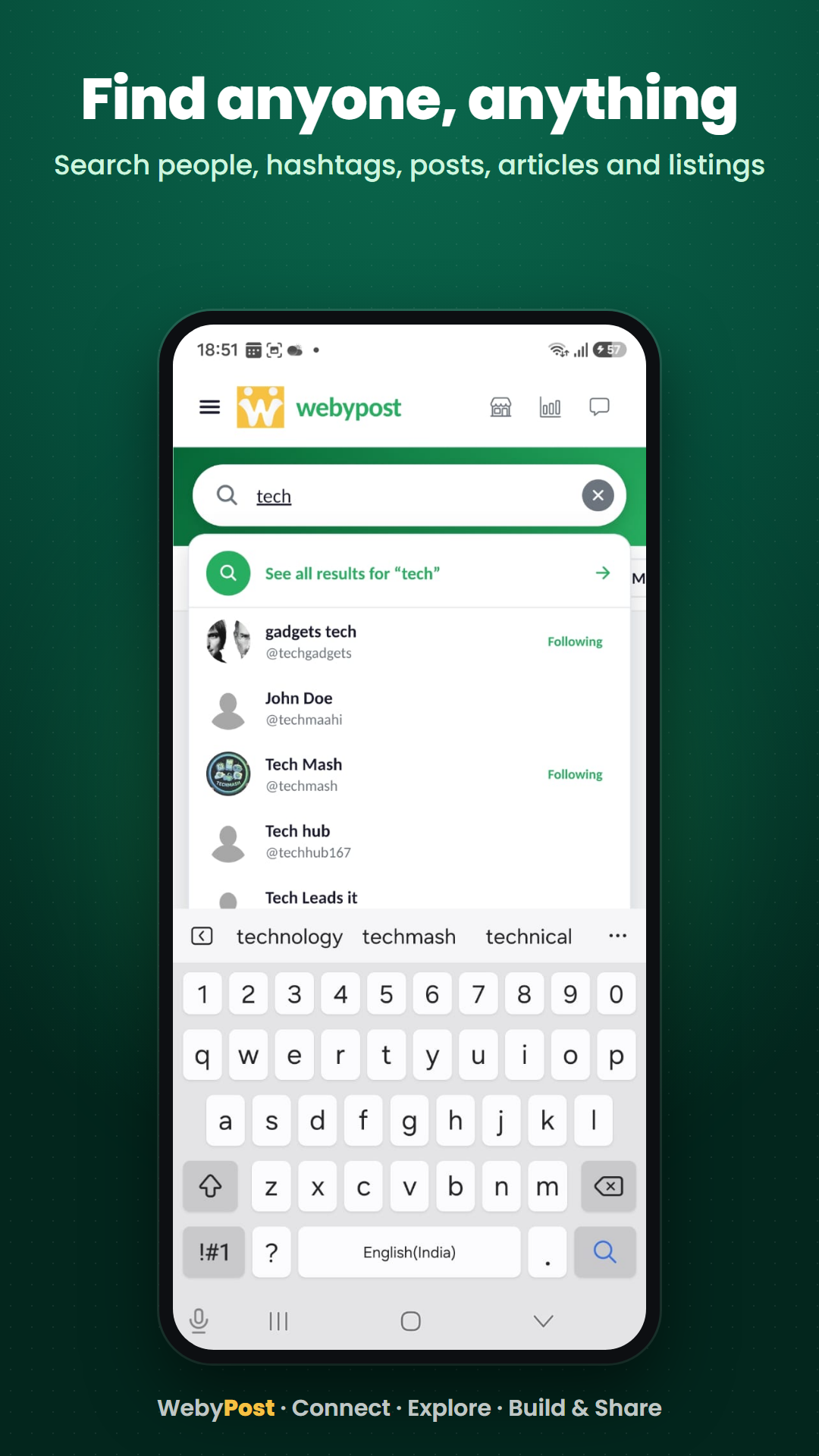
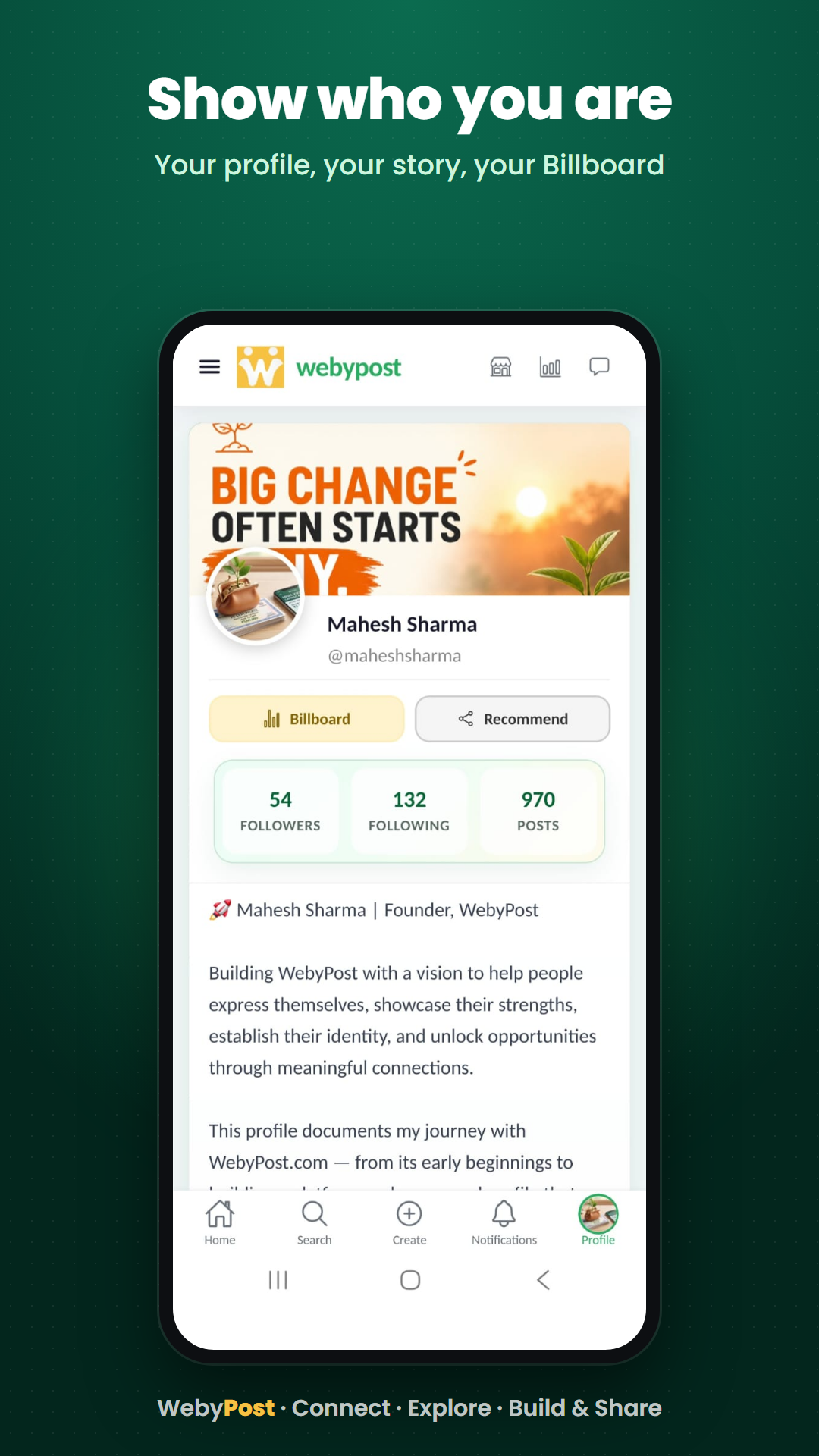
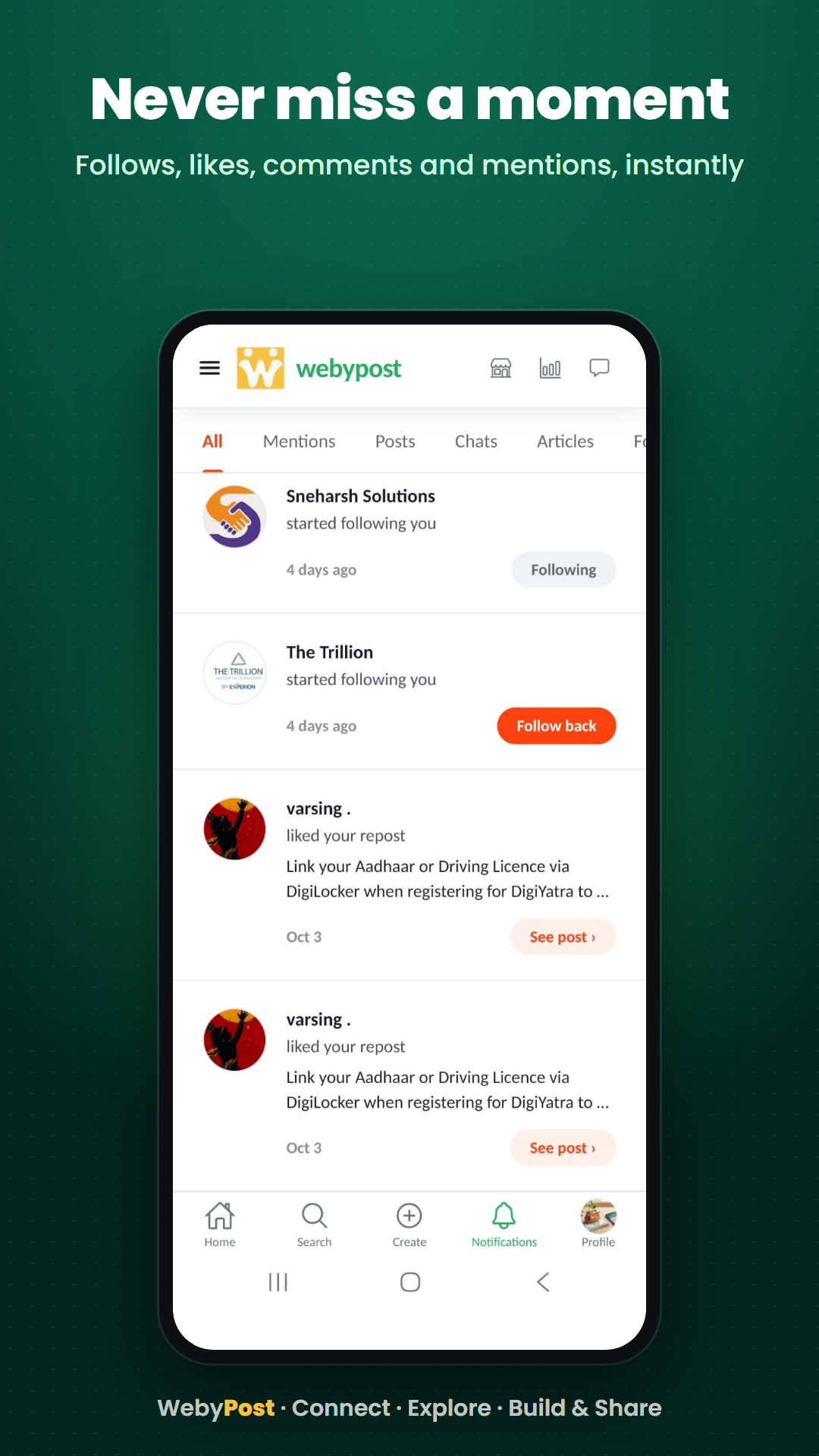
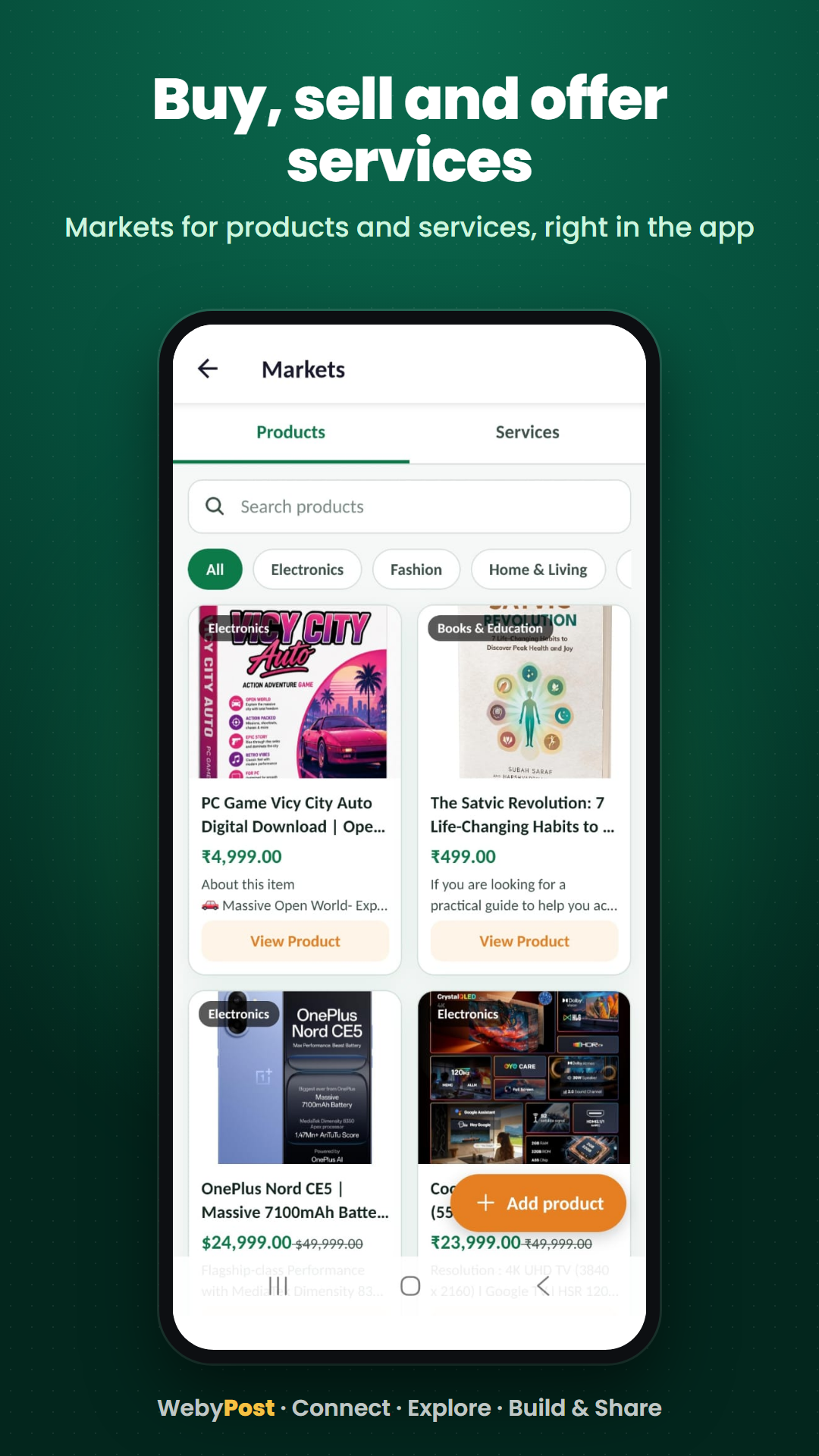
The WebyPost Android app is ready for you to try before it opens on the Play Store.
Use the same Google account you use for WebyPost, on an Android phone.
1. Join the testers group
https://groups.google.com/g/sneharshtesters
If Google asks you to request access, wait until you are accepted.
2. Become a tester
https://play.google.com/apps/testing/com.webypost.app
Stay signed in with that Google account and tap Become a tester.
3. Install from the Play Store
https://play.google.com/store/apps/details?id=com.webypost.app
On your Android phone, open the Play Store signed into the same Google account, then install WebyPost.
Play can take a few minutes, sometimes a couple of hours, to show the app. If it is not there, open step 2 again, wait, then try step 3.
Questions: https://webypost.com/support
Thank you for helping us get this ready. Do share within your communities to help us with more testers.
WebyPost
Use the same Google account you use for WebyPost, on an Android phone.
1. Join the testers group
https://groups.google.com/g/sneharshtesters
If Google asks you to request access, wait until you are accepted.
2. Become a tester
https://play.google.com/apps/testing/com.webypost.app
Stay signed in with that Google account and tap Become a tester.
3. Install from the Play Store
https://play.google.com/store/apps/details?id=com.webypost.app
On your Android phone, open the Play Store signed into the same Google account, then install WebyPost.
Play can take a few minutes, sometimes a couple of hours, to show the app. If it is not there, open step 2 again, wait, then try step 3.
Questions: https://webypost.com/support
Thank you for helping us get this ready. Do share within your communities to help us with more testers.
WebyPost
1/8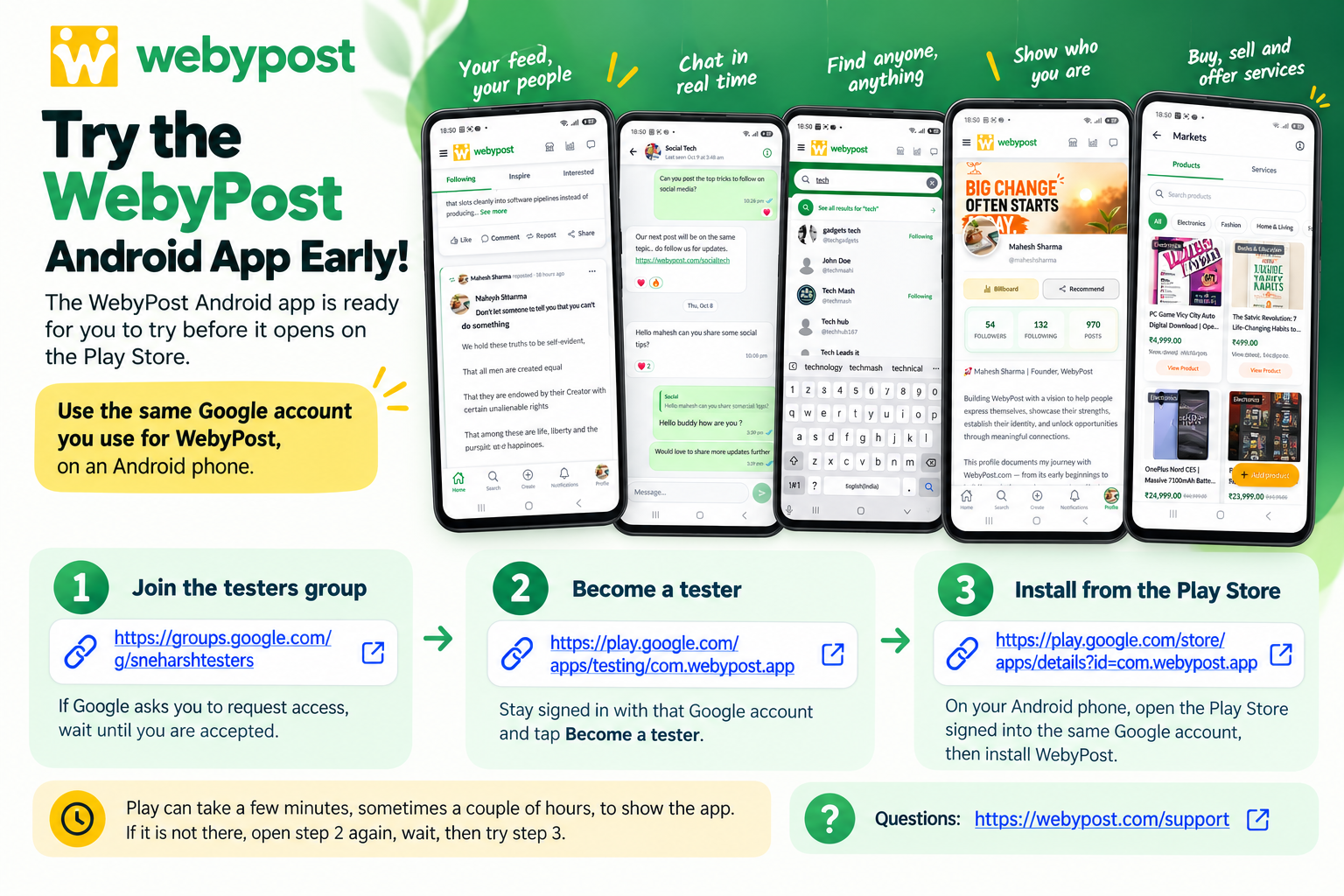
No comments yet — be the first!