
Background Agents Take the Keyboard: Why Gemini’s Mac Computer Use Rewrites Everyday AI Workflows
On November 19, 2026, Google quietly crossed a threshold that other labs had already approached but that still feels consequential on the desktop. The Gemini app for macOS gained computer use. Users with a paid Google AI Plus, Pro, or Ultra subscription on an Apple Silicon Mac running macOS Sequoia 15 or later can now describe a multi-step task, and Gemini will click, type, navigate menus, and fill forms across local files, native apps, and the web. It does so inside an isolated background window whose live preview appears in the chat. The main screen and cursor stay free.
The official announcement frames the capability as a way to eliminate the dozens of clicks that still dominate repetitive work. That framing is accurate and still understates the shift. Computer use turns Gemini from a conversational helper that suggests next steps into an agent that actually executes them. The difference is the same one that separates a co-pilot from a junior colleague who can finish the spreadsheet while you stay on the call.
For readers who have followed the rapid maturation of agentic systems, the timing is notable. Google had already expanded Gemini Tasks and begun limited testing of a broader family organizer. Computer use on Mac is the first widely available desktop-level agent action surface from the company. It arrives while Anthropic’s record IPO is still dominating headlines and while Apple continues to tighten the permission model that AI agents will eventually need to navigate. The launch therefore sits at the intersection of three stories: the commercialization of agents, the economics of local versus cloud execution, and the tension between convenience and control on the personal computer.
How the Feature Actually Works
Google’s product description is precise. After the user issues an instruction, Gemini operates inside a separate virtual screen. A live view of that screen streams into the chat so the human can watch every action. The user chooses which apps the agent may access, can pause or stop the process at any moment, and must approve key actions before they occur. Privacy controls are not an afterthought; they are presented as core product requirements.
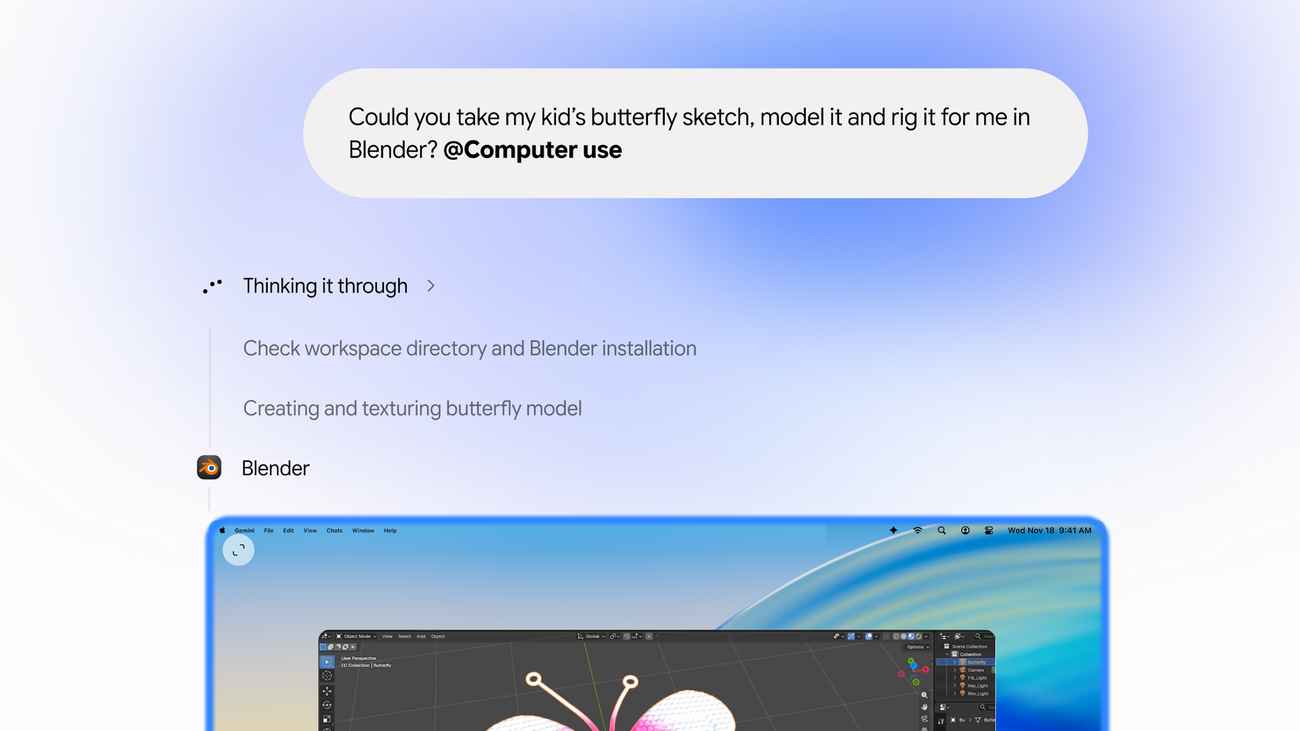
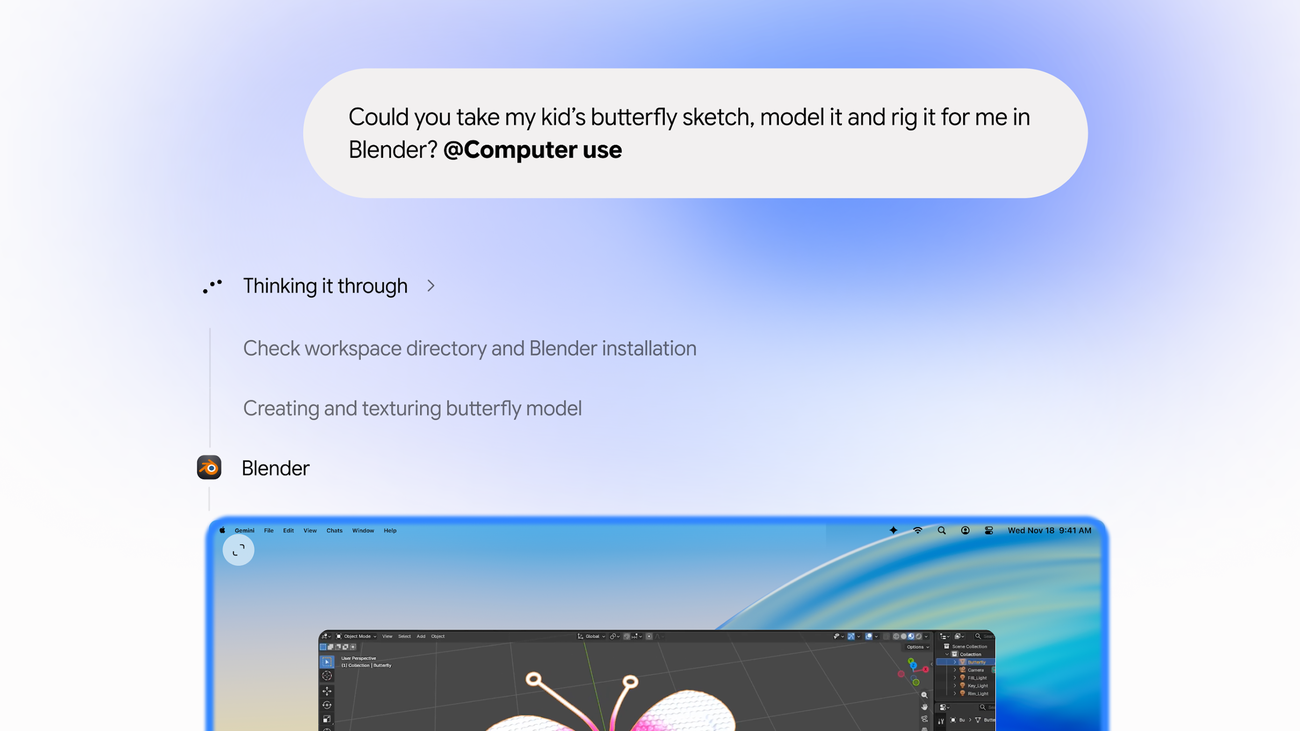
The example Google itself highlights is instructive. A parent can hand Gemini a child’s butterfly sketch and ask it to model and rig the drawing inside Blender. The agent checks the workspace, confirms the application is installed, creates the geometry, and textures the model. The same pattern applies to less whimsical tasks: extracting weights, dimensions, and addresses from a folder of PDFs to complete multi-box shipping quotes; pulling metrics and screenshots from live regional dashboards and assembling them into a Google Slides deck; or analyzing a folder of clothing photos, researching comparable prices, and staging listings on a resale platform.
These are not toy demonstrations. They are the exact class of multi-application, multi-file workflows that still consume hours each week for knowledge workers, creators, and small-business operators. Because the agent runs in the background, the human can continue other work. The isolation also means a misstep is, in principle, contained to the virtual screen rather than immediately destructive on the primary desktop—though the company is careful to note that mistakes remain possible, including the accidental deletion or sharing of files.
Key Facts and the Competitive Context
Availability is deliberately narrow at launch. The feature is rolling out in English to adult users with personal Google accounts in the United States. It requires Apple Silicon and macOS Sequoia 15 or newer. Free-tier Gemini users are excluded. Google has not published a timeline for Windows, other languages, or European markets. The restriction to paid plans and personal accounts is consistent with the company’s broader approach to higher-risk agent features.
Competitors have offered analogous capabilities for months. OpenAI, Anthropic, and Meta already ship desktop agents that can operate computers. Google is later to the Mac specifically, yet the implementation choices matter. The explicit background window and live preview address the common complaint that earlier agents hijacked the user’s screen. The granular app-permission model also aligns with the direction Apple is taking. Recent macOS betas have previewed tighter controls around full-disk access precisely because AI agents with computer use raise new risks. Gemini’s design anticipates that constraint rather than fighting it.
The broader Gemini platform context is relevant. Earlier TechMash coverage of Gemini 4 Hydrogen’s tunable reasoning levels showed how Google is already optimizing for high-volume agent execution rather than pure frontier intelligence on every call. Computer use on Mac is the user-facing expression of the same idea: the model does not need to be the absolute smartest in the room if it can reliably finish the repetitive parts of the job. Parallel work on physical AI, including the Gemini Robotics 2.5 pilots that reached 96 percent success on Mercedes production lines, indicates that the company is pushing agentic capability into both digital and physical environments at once.
Why the Launch Matters for Productivity and Platform Power
The productivity case is straightforward. Most knowledge work still contains long stretches of mechanical translation: data from one system into another, screenshots into slides, product photos into listings, PDF fields into web forms. These tasks are cognitively light but attention-heavy. An agent that can complete them in the background returns attention to higher-value decisions. Early adopters will measure success not by how impressive the demo looks but by how many hours disappear from the calendar each week.
The platform implications are larger. Apple has spent years positioning the Mac as a privacy-preserving, on-device intelligence environment. Local models that run on Apple Silicon—covered in TechMash’s analysis of Meta’s Muse Spark Open and the more recent Nvidia RTX Spark mini PCs—make that vision technically plausible. Google’s computer-use feature does not run fully on-device; it still relies on Google’s cloud models. Yet it runs on the Mac and operates the Mac’s own apps. That combination puts pressure on Apple’s own Siri and Apple Intelligence roadmap. If Gemini can reliably finish multi-step desktop workflows today, Apple must either match the capability quickly or accept that a meaningful slice of agentic work will leave its ecosystem.
The economics cut both ways. Paid Google AI subscriptions become more valuable once they include actual computer use rather than chat alone. At the same time, every successful background agent reduces the number of times a user needs to open a browser tab or switch applications. That is good for the individual and potentially disruptive for any product whose business model depends on keeping the user inside a particular interface. Desktop agents are not merely features; they are a new distribution layer.
Risks, Permissions, and the Limits of Isolation
No responsible account of computer use can ignore the downsides. An agent that can click, type, and navigate is an agent that can delete files, send messages, or expose sensitive information if its instructions are ambiguous or its understanding is incomplete. Google’s own materials note that mistakes are possible. The live preview and approval gates mitigate but do not eliminate the problem. Users who grant broad app access are, in effect, expanding the attack surface of their machine to include the model’s error modes and any prompt-injection vectors that might appear in the content the agent reads.
Apple’s evolving permission model is the other half of the safety equation. Full-disk access and accessibility permissions are powerful because they are necessary for computer use to work at all. The company has already begun adding more granular controls in macOS betas precisely because third-party agents will request them. Gemini’s designers appear to have anticipated this environment: the agent asks for permission per app and keeps its activity visible. Whether that is sufficient will be determined by real-world incidents, not by launch-day documentation.
There is also a quieter risk of skill atrophy. When an agent reliably fills forms, organizes folders, and builds slide decks, the human stops practicing those micro-skills. For most professionals the trade-off will be acceptable. For organizations that still need staff who can perform the underlying tasks when the agent fails or when regulatory requirements demand a human in the loop, the long-term training implications are less clear. The same pattern has already appeared in coding assistants; desktop agents simply extend it to a wider range of office work.
What to Watch in the Coming Months
Several developments will determine whether this launch is remembered as an incremental feature or as a genuine inflection. First is expansion. If Google brings computer use to Windows and to additional languages and markets within a quarter, the competitive pressure on every other desktop assistant increases sharply. If the feature remains U.S.-only and Mac-only for an extended period, it will remain a high-end productivity tool rather than a mass-market shift.
Second is reliability under messy real-world conditions. The butterfly-sketch demo is clean. Shipping quotes that span multiple PDFs with inconsistent formatting, or resale listings that require judgment about condition and pricing, will stress the system differently. Early user reports on success rates, recovery from errors, and the frequency of necessary human intervention will matter more than any official example.
Third is Apple’s response. The company can tighten permissions further, accelerate its own agent features inside Siri and Apple Intelligence, or pursue deeper partnerships. Given that Apple already relies on Gemini models for parts of its AI stack, the relationship is already complicated. Desktop computer use makes the tension more visible to ordinary users.
Fourth is the interaction with local compute. As more frontier-class and efficient models become practical on Apple Silicon and on compact Nvidia systems, users will ask why certain agent steps still require a cloud round-trip. Hybrid designs that keep sensitive file operations local while using cloud models for reasoning are a logical next step. TechMash has tracked the economics of that shift across multiple pieces on local inference; computer use on Mac simply makes the question concrete.
Finally, the broader agent landscape continues to move. Meta’s efficient models for high-volume subtasks, OpenAI’s agentic purchasing tools, and the steady improvement of open-weight systems all raise the baseline. Google’s contribution is less about inventing the category and more about bringing a polished, permission-aware version of it to a large installed base of Mac users who already pay for AI subscriptions.
Conclusion: Agents Leave the Chat Window
Gemini’s computer-use capability on Mac is not the first desktop agent, and it will not be the last. It is, however, one of the clearest signals yet that the industry has moved from demonstrating that agents can operate computers to shipping the feature to paying customers with real guardrails. The background window, live preview, and per-app permissions are practical responses to the objections that slowed earlier attempts.
For individuals, the immediate value is time returned. For platforms, the longer-term question is who owns the layer that sits between the user and every other application. Apple still controls the hardware and the permission system. Google now controls a capable agent that runs on that hardware. The equilibrium between those two facts will shape how desktop work feels for the rest of the decade.
Related reading on TechMash includes the analysis of agentic AI and physical robotics trends and the efficiency focus in models built for everyday agent execution. Official details remain at Google’s announcement: Automate Mac tasks with Gemini computer use. Additional reporting appears at TechCrunch’s coverage of the launch.
The keyboard is no longer exclusively human. The next question is how carefully we decide which keys the agents are allowed to press.
Comments
0