

Write One Clear Motion Prompt with a Free Image to Video Generator, No Signup Required
A useful motion prompt names a visible event: which part moves, in what direction, and what stays still. For a small desk pinwheel, that event can be the paper blades turning slowly clockwise while the wooden stand and camera remain fixed.
That is enough to begin a short motion study. Adding more style words will not tell the generator whether the blades, the whole stand or the camera should move.
The pinwheel pictures below are editorial planning illustrations. They show how to prepare a prompt and reference images; they are not video frames produced by the generator.
Start with the part that should move
Look at your image as a set of separate parts. In this example, the subject is the paper pinwheel, but the moving part is more specific: its folded paper blades. The centre pin, wooden stick and round base support that movement.
Write down three things before opening a generator:
- Moving part: the teal paper blades.
- Visible change: a slow clockwise rotation around the centre pin.
- Fixed elements: the stand, desk, notebook, background and camera.
This short list prevents an easy mistake. “The pinwheel moves” could describe rotation, a sliding base or a whole object drifting across the desk. Naming the blades makes your intention easier to inspect later.
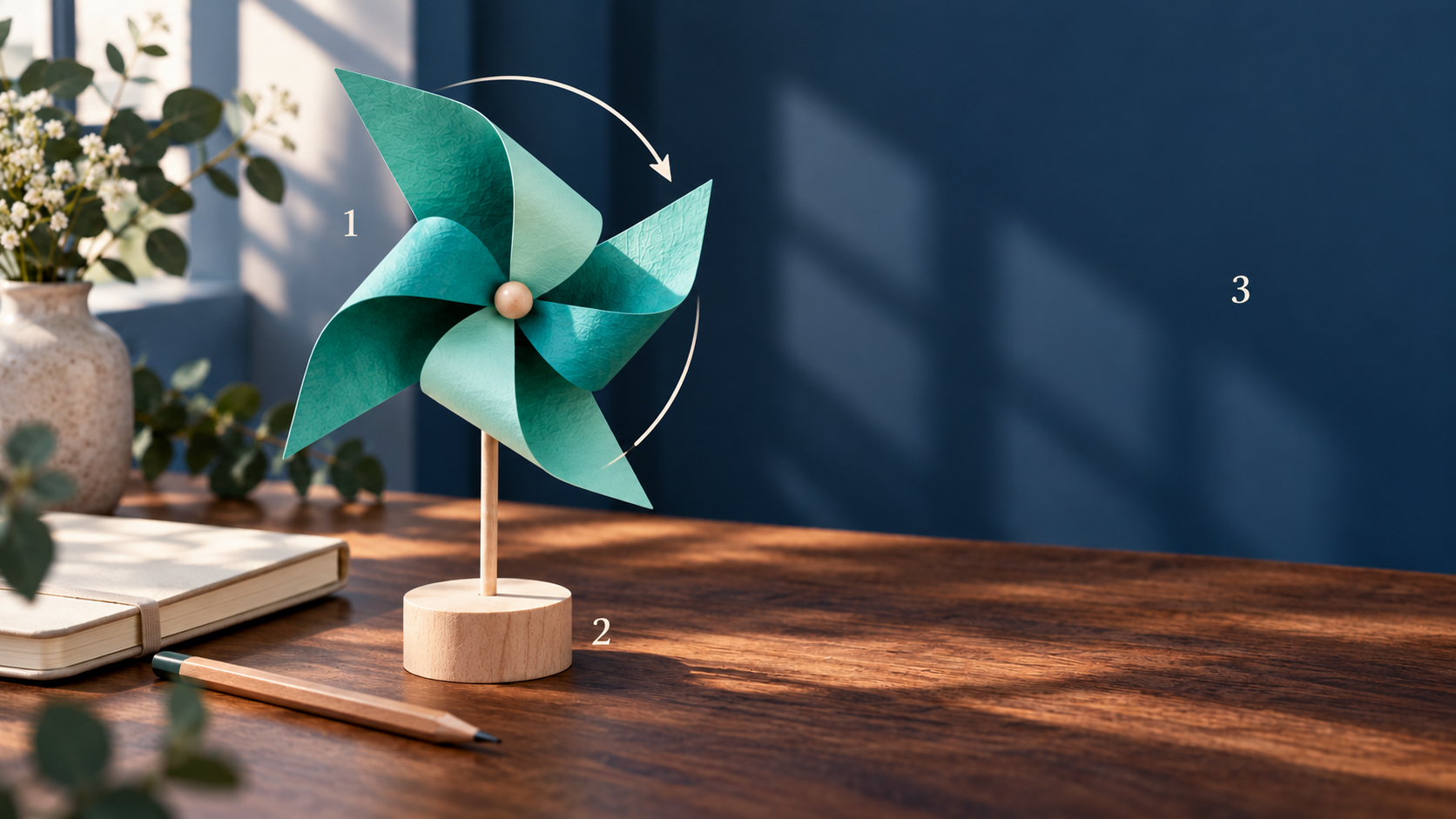
Planning illustration: describe the paper blades as the moving part, then name the support and background that should stay still.
The direction should be something you can point to in the picture. Clockwise describes rotation as the viewer sees it. For another image, an instruction such as “the ribbon lifts slightly toward the left edge” may be clearer than “the ribbon moves naturally.”
Turn an appearance description into an action
A first attempt might read:
A cinematic teal pinwheel on a desk, soft light, smooth and realistic.
This gives the scene an appearance but leaves the event open. Keep the useful subject and add the movement:
The teal paper pinwheel blades turn slowly clockwise around the centre pin. Keep the wooden stand, desk, notebook and background still. Use a fixed camera and preserve the paper folds and the number of blades.
Each sentence has a job. The first names the action and its direction. The second separates that action from the stationary surroundings. The last makes the camera choice and important shape details explicit.
Treat these as instructions to guide a result, rather than controls that guarantee a precise rotation or an unchanged object. A prompt can state what you want; the clip still needs a visual check.
You can adapt the structure to your own picture:
[Specific moving part] [one visible action] [direction and modest extent].
Keep [named supporting objects and background] still.
Use [one camera choice] and preserve [important shape details].
Replace the bracketed parts with actual objects. “Preserve important details” gives you little to check. “Preserve the four paper blades and the centre pin” gives you a clear review question.
Choose references that support the same event
If you use opening and closing references, prepare them as two views of the same small event. In the pinwheel exercise, the paper blades can have a slightly different orientation at the end. The base should remain in the same place.
For a simple square exercise, prepare both references with the same square dimensions and select 1:1 in the form. Check the object’s size, its centre position, the desk edge and the light before uploading.
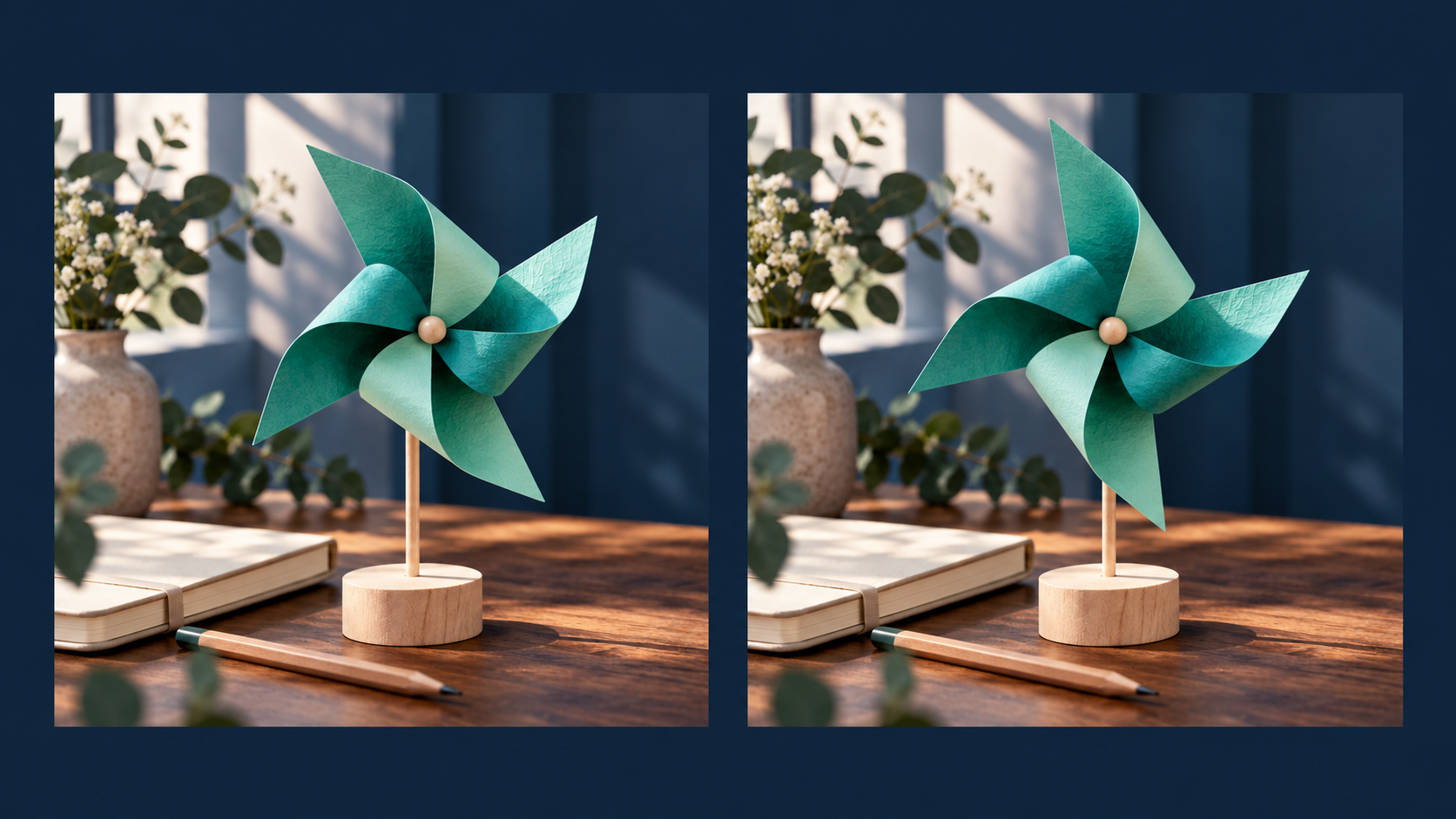
A hypothetical reference pair changes one visible detail while keeping the object, scale, support and setting consistent.
A compatible pair keeps most of the scene stable. A different background, a larger wheel or a new viewing angle adds another change for the generator to reconcile. That makes it harder to tell whether the motion instruction was clear.
The closing reference does not promise a pixel-perfect final frame. Use it to express the intended composition. If you lack a useful matching closing image, prepare one or omit the optional reference rather than filling the second slot with an unrelated picture.
Submit the small motion study
At this point, the generation step is straightforward. Sea Imagine AI provides a free image to video generator with no signup required. Its current free form accepts motion text and optional opening and closing image references.
Choose the proportions that suit your prepared images, enter the prompt and complete verification. The free form currently shows a five-second, 480p output. Its “unlimited” wording describes the absence of a total generation cap; waiting in the free queue still applies.
For this exercise, keep the requested movement small enough to understand in one short shot. Avoid combining a rotating wheel, a moving camera and a changing background in the same first prompt.
Review the clip in three separate passes
When a clip is ready, watch it once for each of these questions:
- Shape: do the paper blades, folds and centre pin remain recognisable?
- Support: does the stick stay attached to the base, and does the base stay on the desk?
- Scene: does the camera remain fixed, with no unexplained shift in the background?
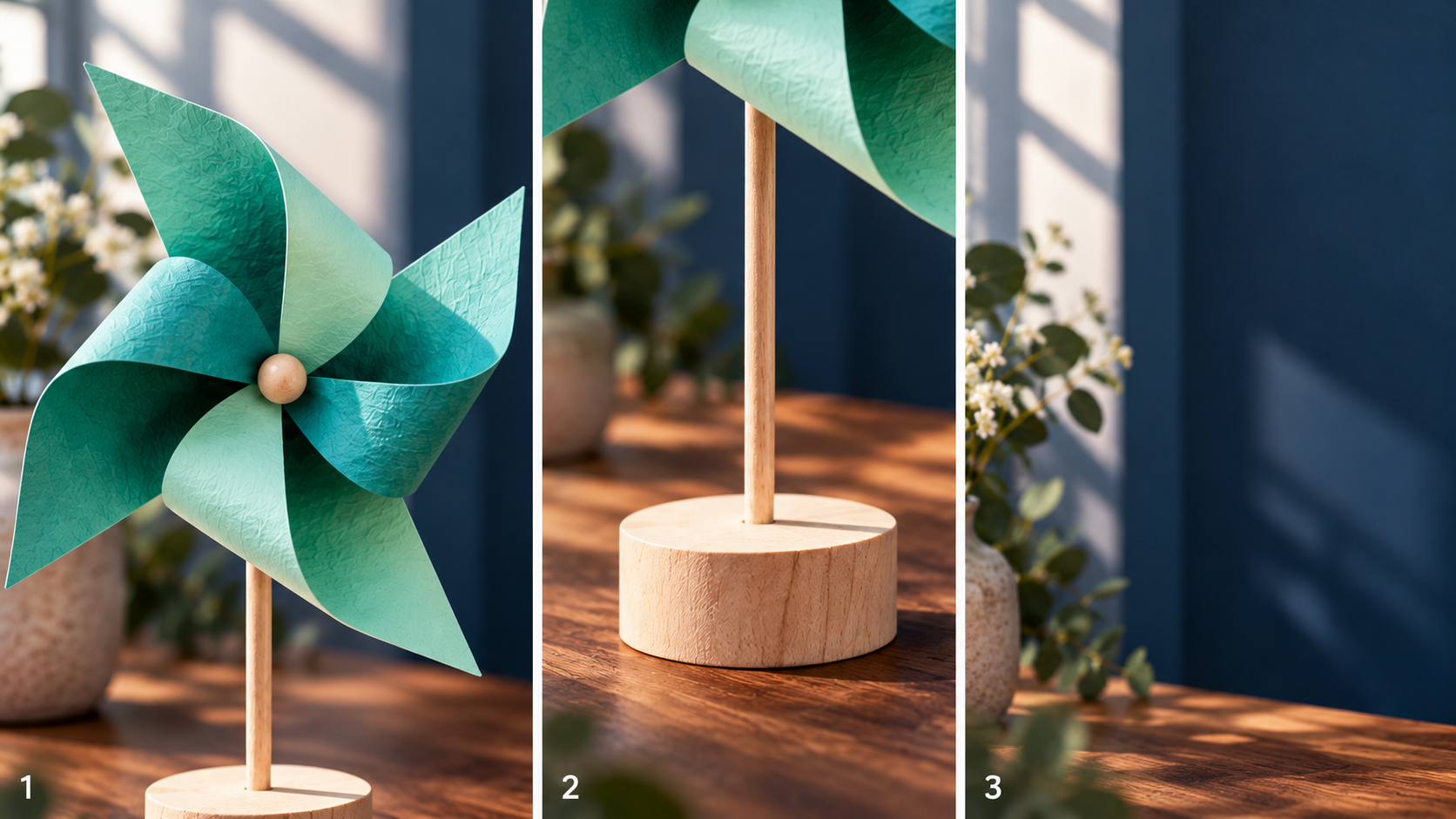
Inspect the moving part, its support and the background separately. These are editorial details, not frames from a generated result.
Then watch the intended action. Does the wheel turn in the requested direction? Is the movement readable without a sudden jump? Does the ending remain consistent with the scene you planned?
If the support shifts, first check whether your two references place the base differently. If the background drifts, make the fixed-camera instruction explicit and remove any conflicting camera language. If the blades lose their shape, simplify the requested action and inspect the input details.
Change one cause at a time. You are trying to make one instruction clearer, so keep the rest of the scene stable while you revise it.
For your next image, write the moving part, action and fixed elements in three lines before turning them into a prompt. That small preparation gives you both a clearer request and a practical way to judge the resulting clip.
Disclosure: This article was prepared for Sea Imagine AI with AI assistance.
Comments
0