

Crop Street Photos Before Animating Them with a Free Image-to-Video Generator, No Signup Required
You took the photo for the little flag outside the shop. At full size, though, there's a person at the edge, the corner of a parked car, and a reflection in the window. Before you make the flag flutter, decide which part of the scene you actually want to share.
The useful move is to make a clean copy on your device before uploading anything. A vertical detail of fabric and brick might carry the whole clip. The street scenes below are fictional illustrations that show how to plan that edit.
Keep the flag and take the rest out of the frame
Start with an image you have permission to use. Make a working copy and open it in a photo editor on your device. Zoom in and sweep the four edges. Check faces, plates, house numbers, badges and any writing on a screen or receipt. Then look at windows, mirrors and shiny car surfaces. A person outside your crop can still appear in a reflection inside it.
Pick the detail your post is about. For the illustrated shopfront, draw a crop around the flag and a little wall. Put the passer-by and the car completely outside the box, and keep some space beside the flag so its tip has room to move. If the crop still leaves a reflection or a distinctive detail you want to keep private, try a tighter composition. If that cuts through your subject, pick a different image or photograph a close-up of your own blank pennant.
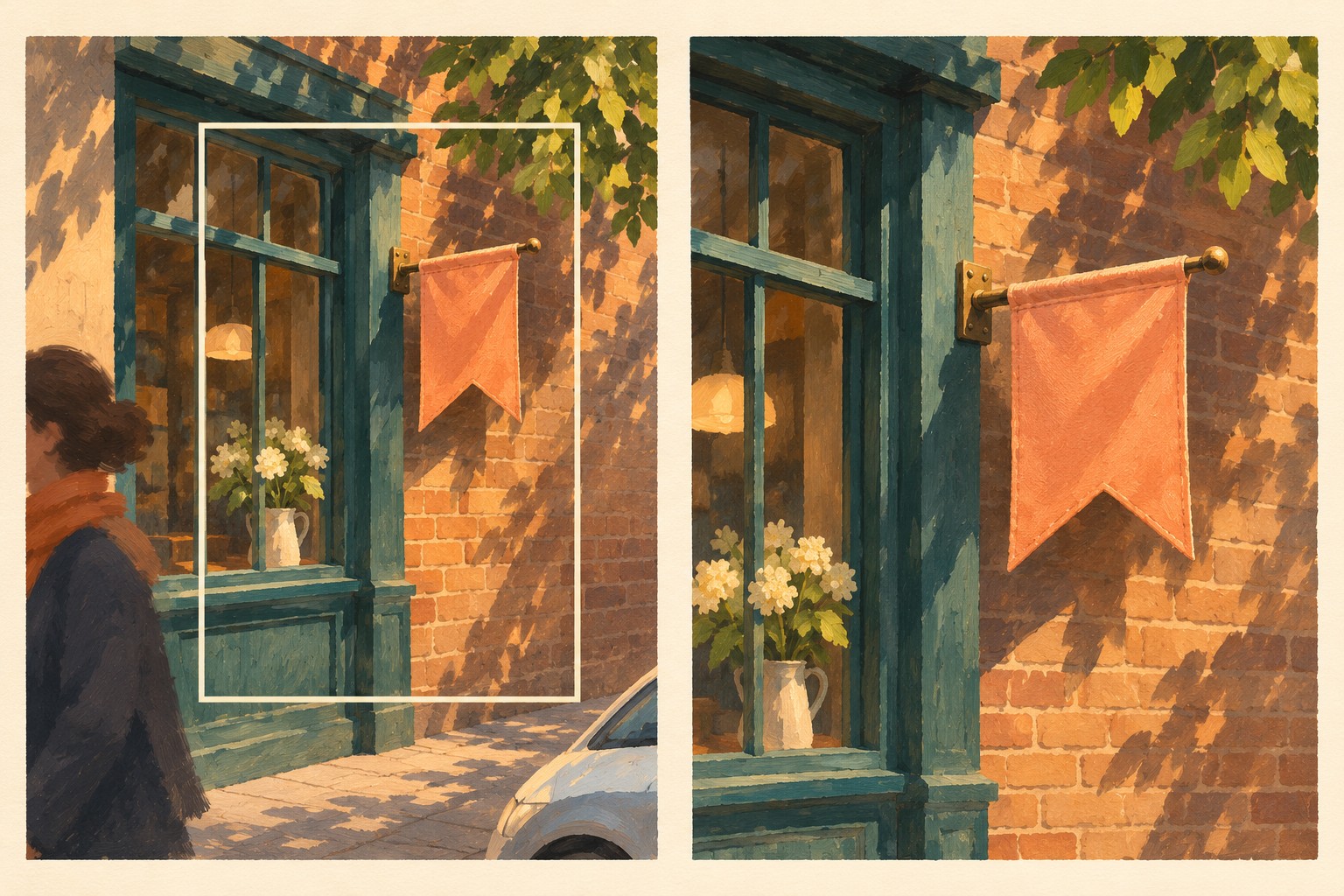
In the illustrated crop, the person and car are outside the frame. The tighter view keeps the pennant and room for its tip to move.
Check the exported copy as well as the crop preview. Export a new JPG or PNG and open it in an image viewer. Make sure it contains only the area you chose. If the location is sensitive, check the file's location information as well and use a copy without location data, or choose a different scene. A tidy crop can still reveal a place through a recognizable storefront.
Prepare two clean images before you open the generator
For the flag example, take two pictures from one position if you can do so with material you control. Catch the fabric hanging naturally in the first picture and the loose tip lifting a little in the second. Apply the same crop and export dimensions to both. Use the edge of the shop frame or a line of brickwork as an alignment guide. That gives the clip one clear change to follow.
Open the files side by side. The flagpole, framing and background should line up. Then give the second file the same edge and reflection check as the first. If the images disagree about what belongs in the background, or a face is still visible in either one, go back to the crop or share the checked still.
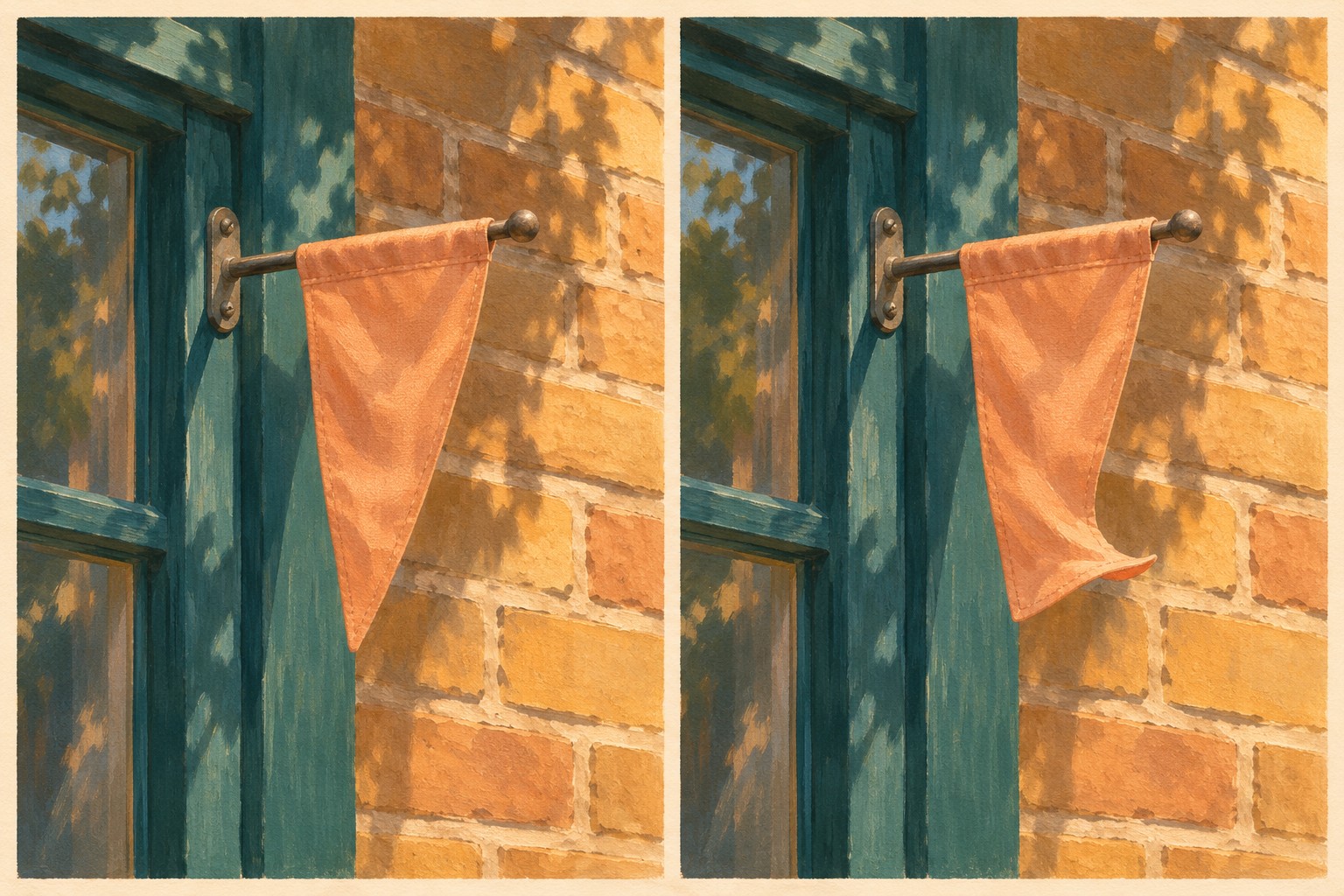
Left is the planned first pose and right is the planned last pose. Prepare two separate images with matching framing.
Give the cloth one small move
OpenMaker is one option for making this short animation. Its free workflow is presented as powered by MiniMax H3. The site describes five seconds at 480p, zero credits, no signup required and unlimited generations. Match the frame pair to the shape you plan to share. Choose 9:16 for a vertical post, 1:1 for a square post or 16:9 for a wide clip.
Place your checked files in first-then-last order. For prompts in scenes like this, name the one part you want to move and the details that should hold still. Try this prompt for the fictional pennant.
Fixed camera on a blank apricot cloth pennant beside a teal frame and ochre brick. Let just the loose tip lift a little in one soft breeze, toward its position in the final image. Keep the pole, attachment point, shop frame, brickwork and light steady. Keep the canvas blank and keep the original framing throughout.
If you make another attempt, adjust one instruction at a time. For example, ask for a smaller lift if the flag swings too far. The safest starting point remains the pair of already checked files.
Review the saved clip at the edges and in the middle
Play the downloaded clip once all the way through. Then pause near the beginning, middle and end, and look closely at the borders, glass and cloth. Check for details that appear only in motion, such as new lettering on the flag, an unexpected reflection or something entering the frame. Also check that the pole and brickwork stay steady. Those details help the movement read as one small breeze.
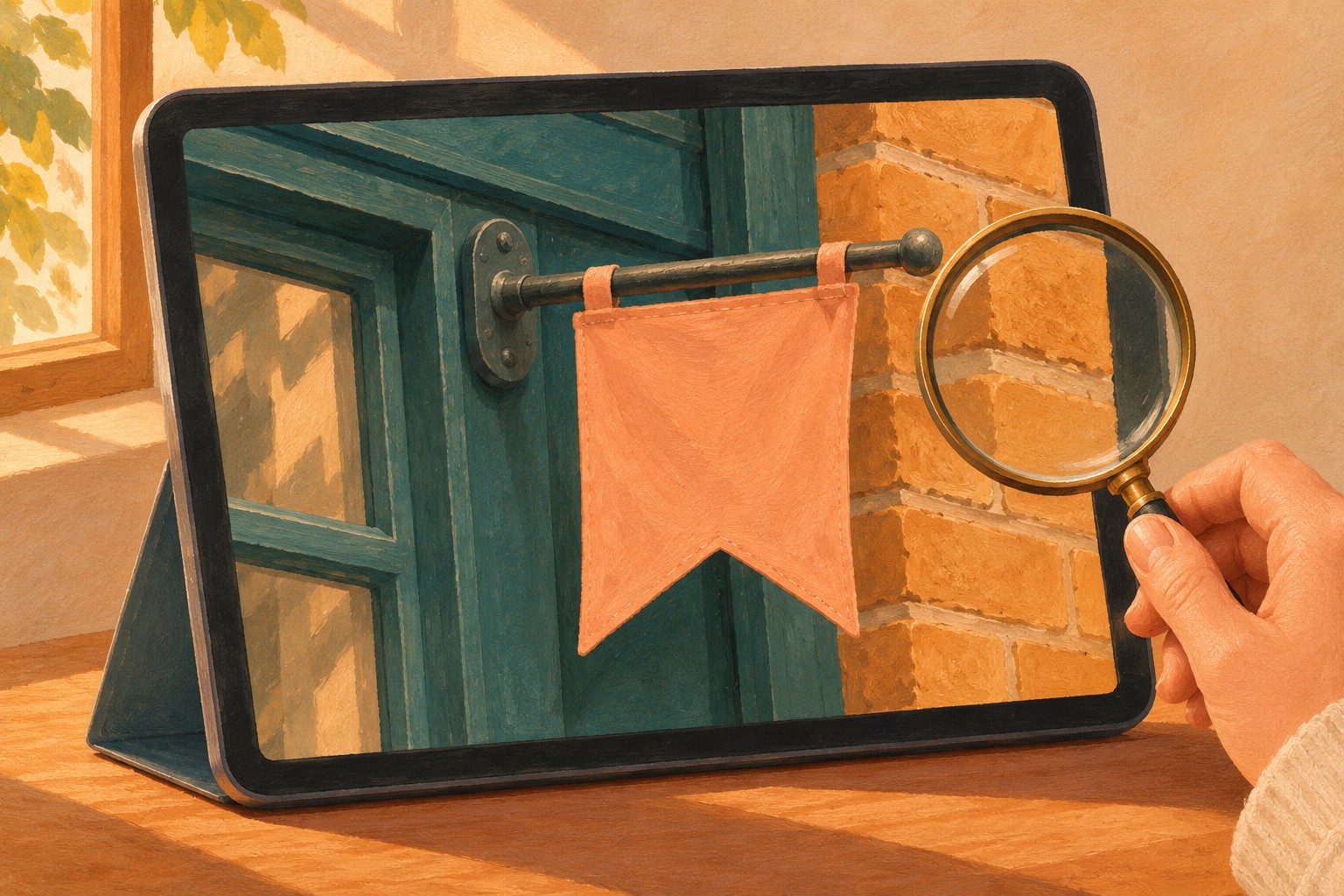
Give the frame edges and background a second look when you review the exported clip.
Keep a clip only if the whole result suits the audience you have in mind. If you find a distracting or identifying detail, return to a cleaner source or share the checked still. A close-up of the flag in warm light may already be the picture you wanted.
Comments
0