
Windows Update Stopped? 7 Best Alternative Operating Systems to Try in 2026
Your Windows Updates Stopped. Now What?
If your PC just stopped receiving Windows updates, you're not imagining things. Microsoft's free security patches for Windows 10 ended on October 14, 2025, and the one-year Extended Security Update (ESU) bridge for consumers runs out on October 13, 2026. Add to that the reality that hundreds of millions of older PCs simply can't meet Windows 11's hardware requirements, and a huge number of perfectly good machines are being left out in the cold.
The good news: a computer that can no longer run Windows safely isn't a dead computer. It just needs a different operating system. Here's a practical rundown of the best alternatives, who each one is really for, and what trade-offs to expect.
1. Zorin OS — The Easiest Landing Spot for Windows Users
Zorin OS is built specifically to feel familiar to people coming from Windows, with a taskbar, start menu, and layout that needs almost no relearning. It runs well even on aging hardware, comes with a built-in app that helps some Windows programs run through compatibility layers, and has become the most popular first stop for ex-Windows users switching to Linux. For most home users, this is the safest and least frustrating option.
2. Linux Mint — Rock-Solid and Beginner-Friendly
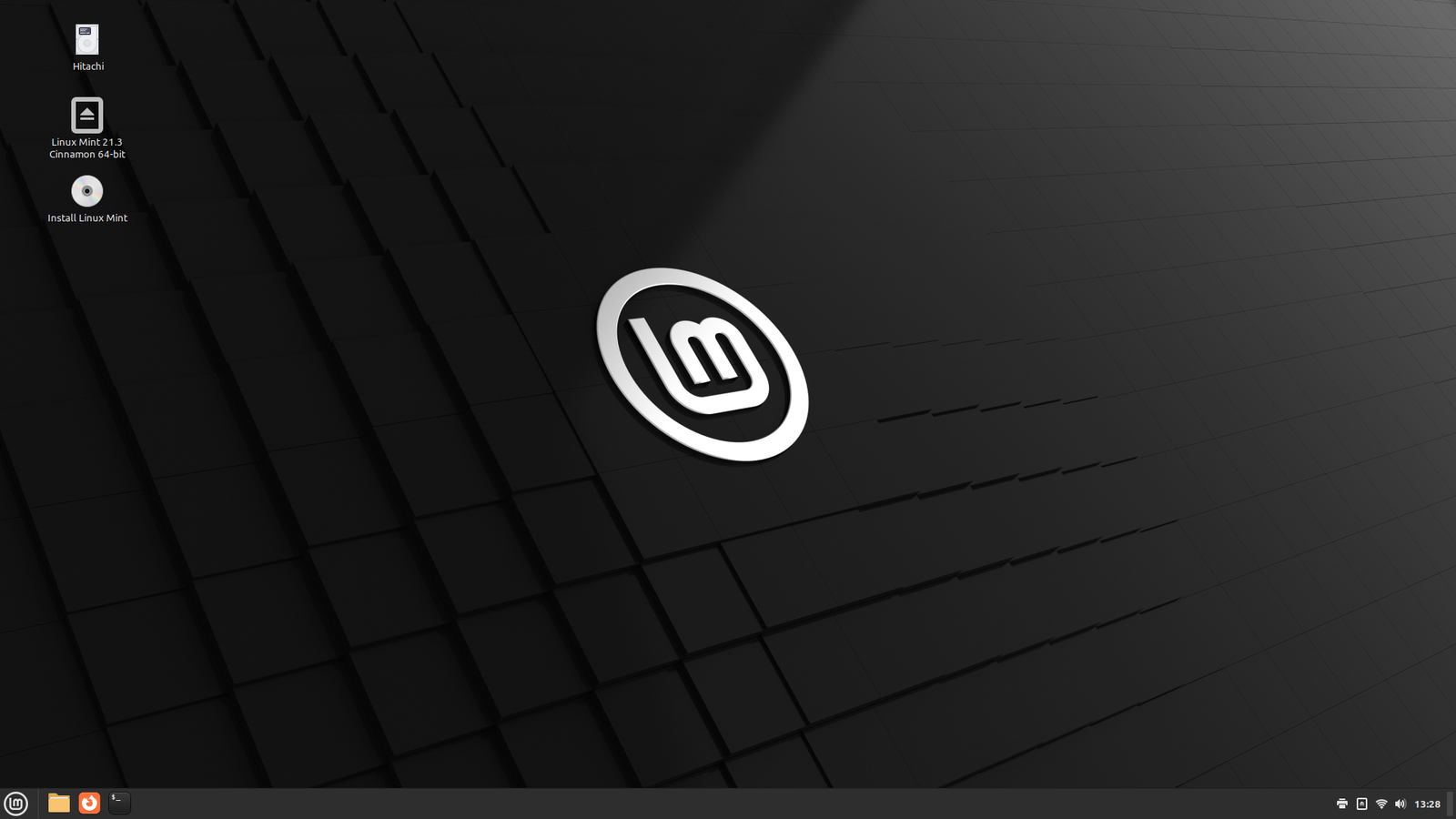
Linux Mint has a reputation for stability and simplicity that goes back over a decade. Its Cinnamon desktop mimics the classic Windows layout closely enough that most people are productive within minutes, and it comes with essential software pre-installed, so there's no scrambling to find a browser or media player after setup.
3. Pop!_OS — Built for Power Users and Creators
Developed by System76, Pop!_OS adds slicker window management and stronger out-of-the-box support for NVIDIA graphics drivers, making it a solid pick for gamers, developers, and anyone doing creative or GPU-heavy work.
4. Ubuntu LTS — The Long-Term, Enterprise-Grade Choice
Ubuntu's Long Term Support releases are backed by years of security updates and have the largest software ecosystem in the Linux world, meaning almost every guide, tool, or troubleshooting thread you'll ever need already exists online.
5. ChromeOS Flex — The Lightweight, Cloud-First Option
Google's ChromeOS Flex turns an old laptop into a fast, simple, browser-centric machine, ideal for anyone whose daily work already lives in web apps, email, and streaming. It's minimal-maintenance and boots quickly, though it's not built for heavy desktop software or offline-first workflows.
6. Windows 11 — If Your Hardware Actually Qualifies
For machines that do meet the TPM 2.0 and processor requirements, staying inside the Windows ecosystem with Windows 11 remains the path of least friction, especially for people dependent on specific Windows-only software.
7. Tiny11 — Windows 11's Look on Older Hardware
For those who want the Windows 11 interface without the strict hardware gatekeeping, stripped-down community builds like Tiny11 remove bloat and relax requirements, though they come with more risk and less official support than a mainstream release.
How to Choose
- Want the smoothest, most Windows-like switch? Zorin OS or Linux Mint.
- Live mostly in a browser? ChromeOS Flex.
- Gaming or creative work? Pop!_OS.
- Need enterprise-grade long-term support? Ubuntu LTS.
- Hardware qualifies and you're staying in the Microsoft ecosystem? Windows 11.
Running an unsupported, unpatched OS isn't a neutral choice — every new vulnerability found after support ends stays open on that machine indefinitely. Whichever path fits your needs, the important thing is not to keep browsing, banking, and working on an operating system that's stopped getting security fixes.
Comments
0